
 Українська
 Español
 Italiano
 Deutsch
 Français
 Português (Brasil)
Personal finance software for the Mac used to mean a download, a licence and a data file you had to back up yourself. MoneyMatter works differently. It runs in your browser, so there’s nothing to install, and your data sits in your account, so your Mac, your iPhone and any other computer show the same numbers.
Open it in any browser
Sign up at moneymatter.app in Safari, Chrome, Firefox or Edge. It works the same on Intel and Apple silicon Macs, and there are no updates to install: you always get the current version.
MoneyMatter needs an internet connection. There’s no offline mode.
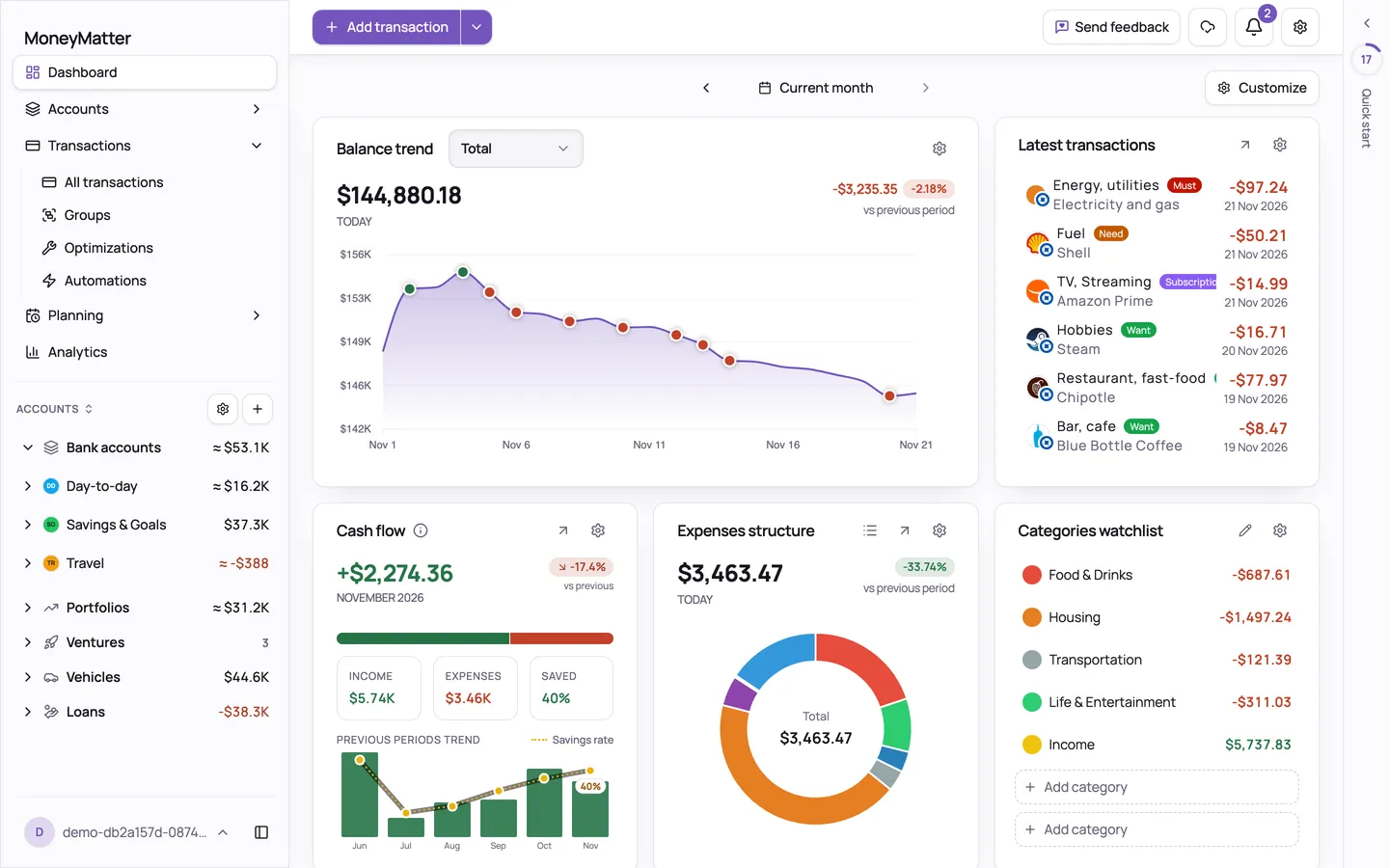
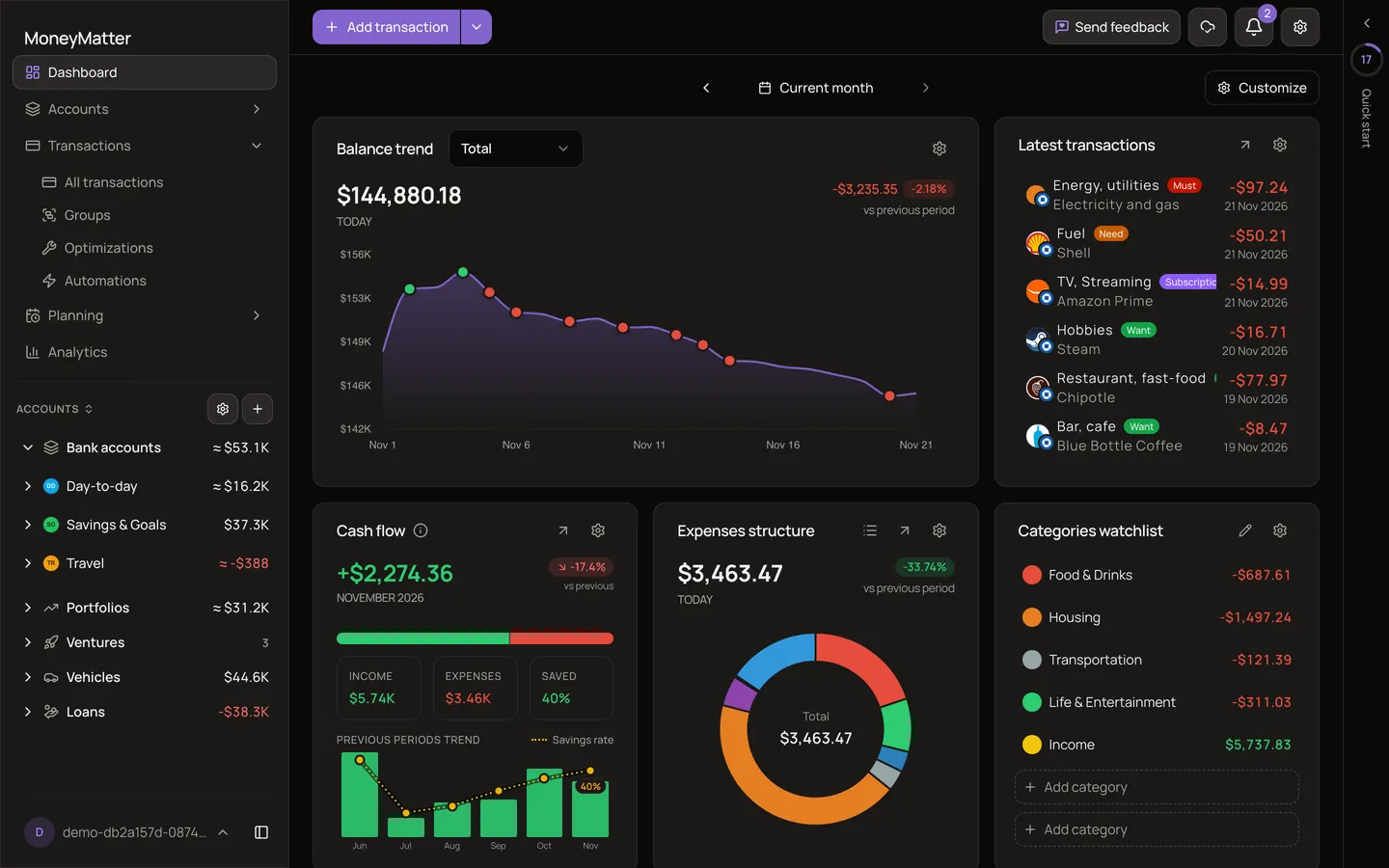
Add it to your Dock as its own app
You can give MoneyMatter its own window and Dock icon, so it sits next to your other apps instead of hiding among browser tabs.
- Safari (macOS Sonoma or later): open MoneyMatter, then choose File → Add to Dock.
- Chrome: open MoneyMatter, click the ⋮ menu, then Cast, save and share → Install page as app.
Open it from the Dock, Launchpad or Spotlight like any other app. It opens without the browser’s address bar and tabs.
Bring your history from another app
If you’re moving from another finance app, you don’t have to start from zero:
- CSV, OFX or QFX files, which banks and many finance apps can export. You map a CSV file’s columns, and MoneyMatter flags likely duplicates before anything is saved.
- YNAB, Wallet by BudgetBakers and Microsoft Money have their own importers.
- PDF statements, banking app screenshots and photos of paper statements go through AI, which lists the transactions for you to check before anything is saved.
On the Plus plan, you can also connect your bank, and new transactions arrive by themselves twice a day.
Use the same account on your iPhone
The MoneyMatter iPhone app is in public beta on TestFlight. Sign in with the same account, and everything you enter on your Mac is there, and the other way round.
On Plus, the iPhone app also adds actions to Apple’s Shortcuts app. Set up an automation once, and your iPhone logs a payment each time you tap your card in a shop, or when your bank texts you about one.
Keep your own copy of your data
Your data isn’t locked into a file on one Mac, and it isn’t locked into MoneyMatter either. From Settings you can:
- Export transactions, budgets, subscriptions and investments as CSV, Excel or JSON.
- Download a backup, a single zip with a complete copy of your data that can put your account back as it was.
Nothing is deleted when a trial or subscription ends. Your account becomes read-only, and you can still sign in, view everything and download an export.