
 Українська
 Español
 Italiano
 Deutsch
 Français
 Português (Brasil)
Few couples keep all their money in one place. There’s a joint account for rent and groceries, a card each, and maybe savings one of you opened years ago. You want to see the shared picture without merging everything or logging in as each other.
In MoneyMatter, each of you keeps your own login and your own accounts. Then you share as much as you want: everything, one account, or one trip.
Pick what to share
There are three levels, and you can mix them for the same person:
- Your household covers every account you own, including ones you add later.
- One account suits a joint card, or a single account a parent or an accountant should see.
- One spending tracker suits a trip or a renovation you both pay for.
A common setup: share your households with each other with read access, so you each see everything, then give write access on the joint account so you can both add to it. When two shares overlap, the one on the specific account decides what the other person can do there.
Invite your partner
- Open Settings → Household, enter your partner’s email and choose read or write.
- Your partner accepts from the email or from Shared with me in Settings. Without an account, they sign up with the invited address first.
- Once they accept, MoneyMatter offers to share their household back with you.
To share a single account instead, open it and choose Share account from the ⋮ menu. Invitations expire after 7 days.
You both need the same base currency. Your partner can’t accept until theirs matches yours, and neither of you can change it while you share. The accounts themselves can be in any currency.
Choose read or write
- Read: they see the accounts and transactions, and change nothing.
- Write: they add, edit and delete transactions. You decide whether that covers all transactions or only the ones they created.
Nobody you share with can rename or delete your accounts. When your partner adds a transaction to your account, it uses your categories and payees, so your reports stay consistent.
See what you both spent
A shared account appears in your own cash flow, expense totals and pivot reports, with all its transactions, including your partner’s. Share households both ways, and one login shows what the two of you spent this month.
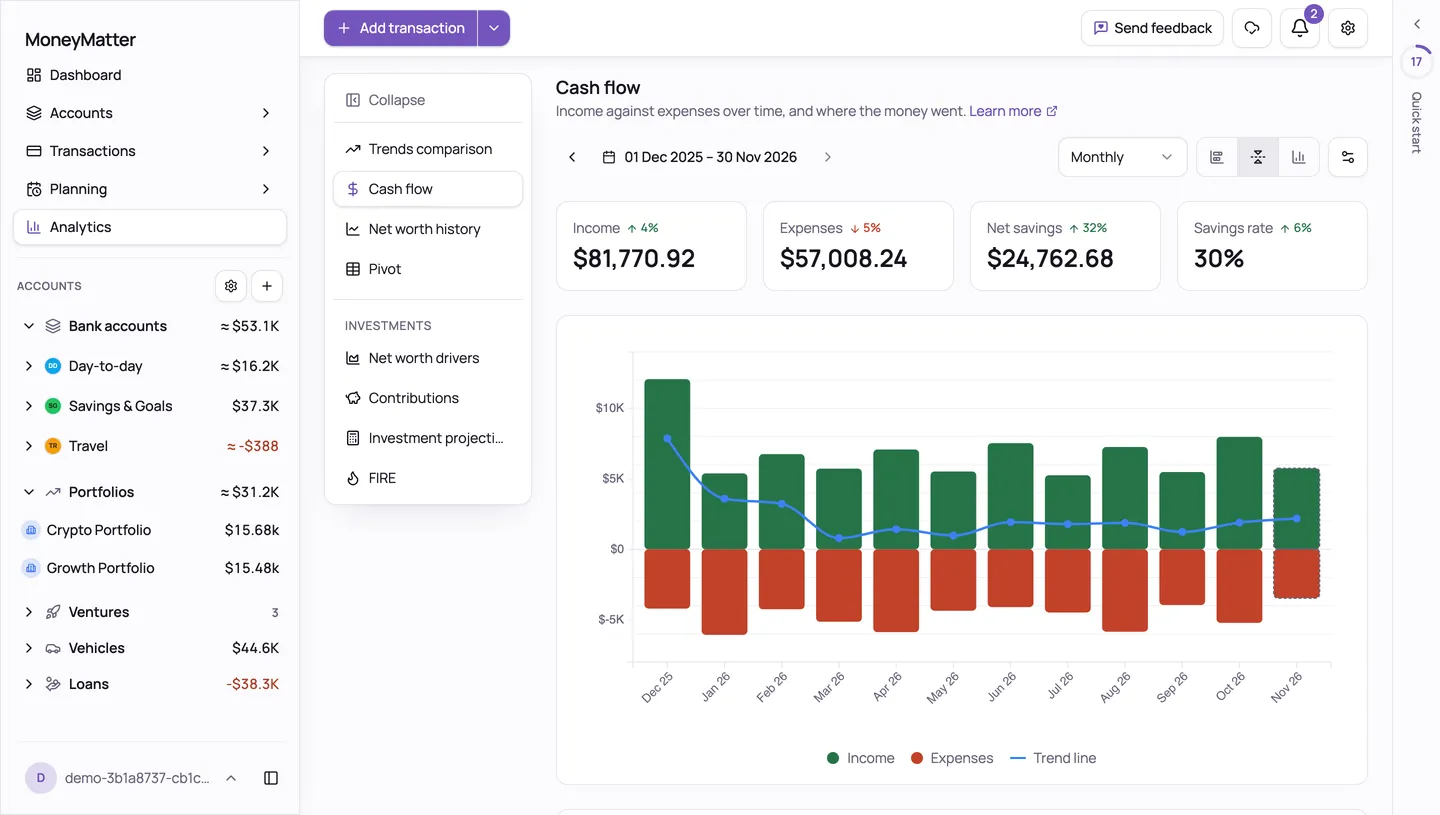
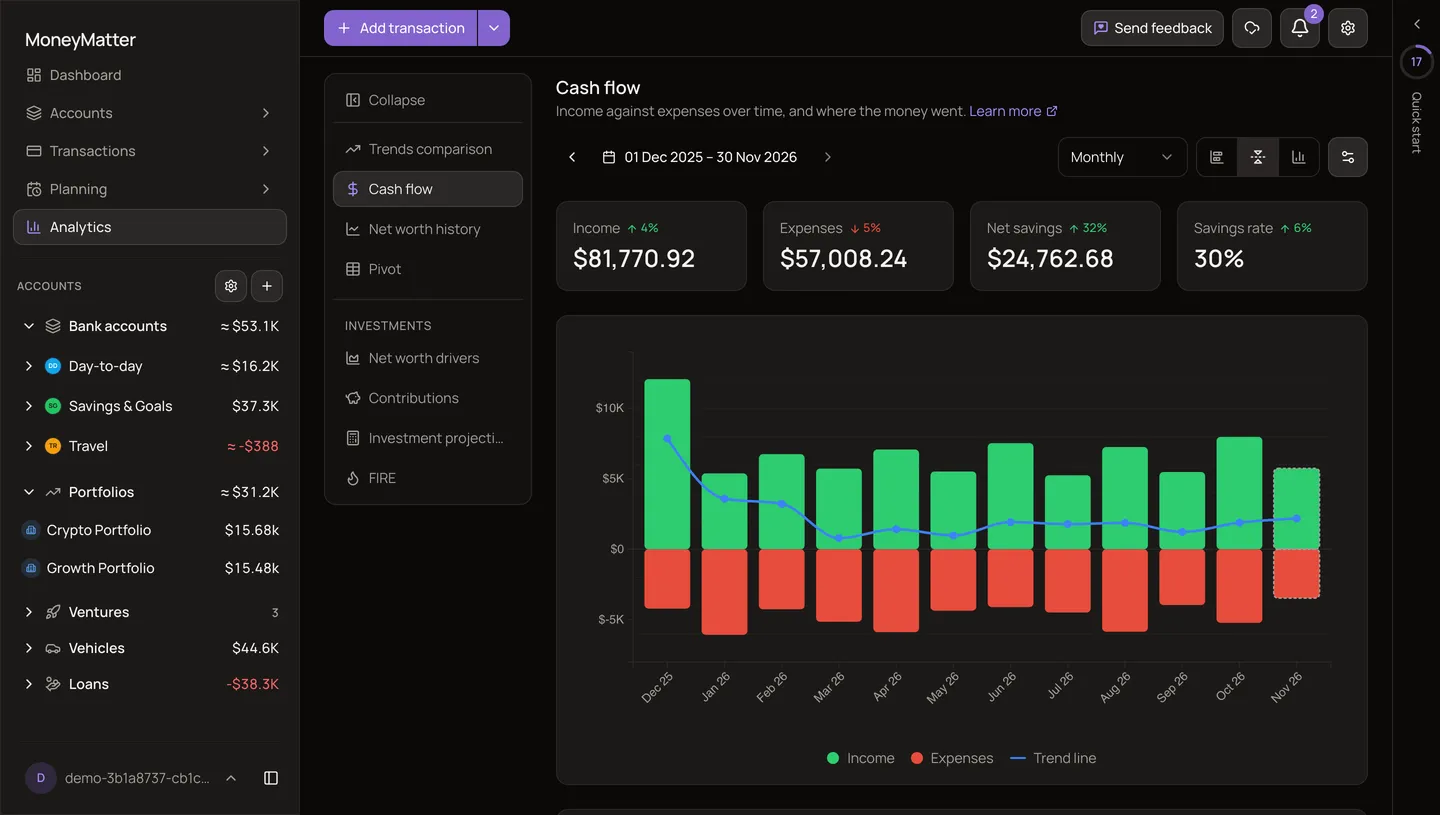
Two things stay separate:
- Net worth. A shared account doesn’t count toward your net worth, balance trend chart or FIRE plan, so there’s no single combined net worth figure.
- Budgets. A budget plan belongs to one person, and an account shared with you can’t go into your own budget or savings goal.
Share a trip or renovation with a spending tracker
For a limit you both spend against, use a spending tracker. Create one under Planning → Trackers with a name, a limit and dates, then invite your partner with write access. You each attach your own transactions, and both count toward one total.
Say you book the hotels and your partner pays for dinners from their own card. Both end up in the same tracker, split into lines such as flights, hotels and food.
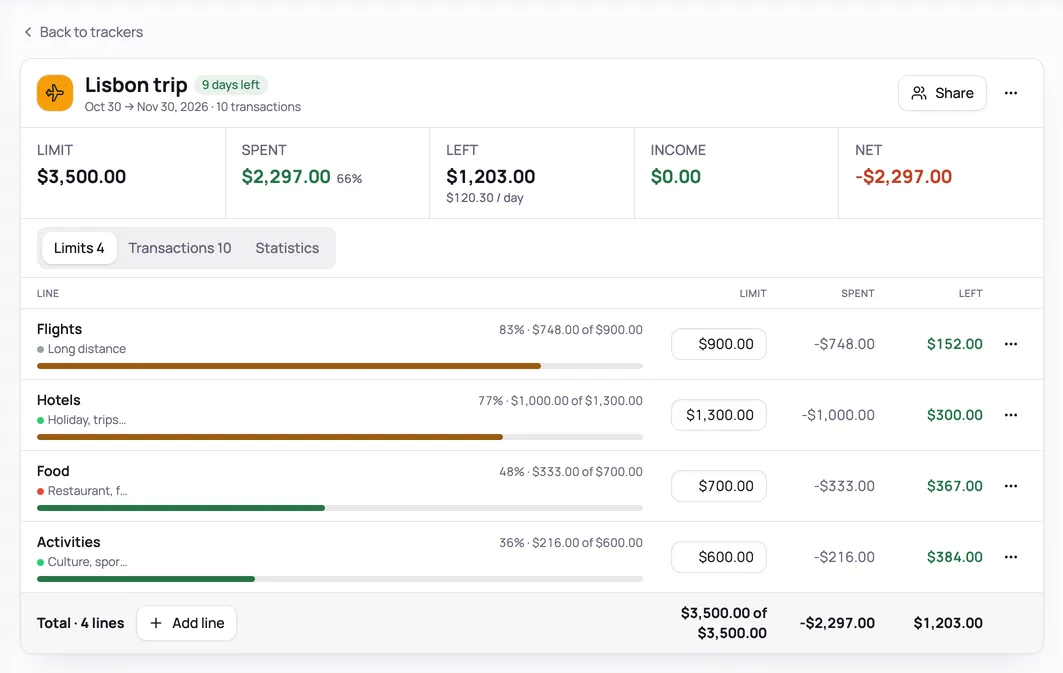
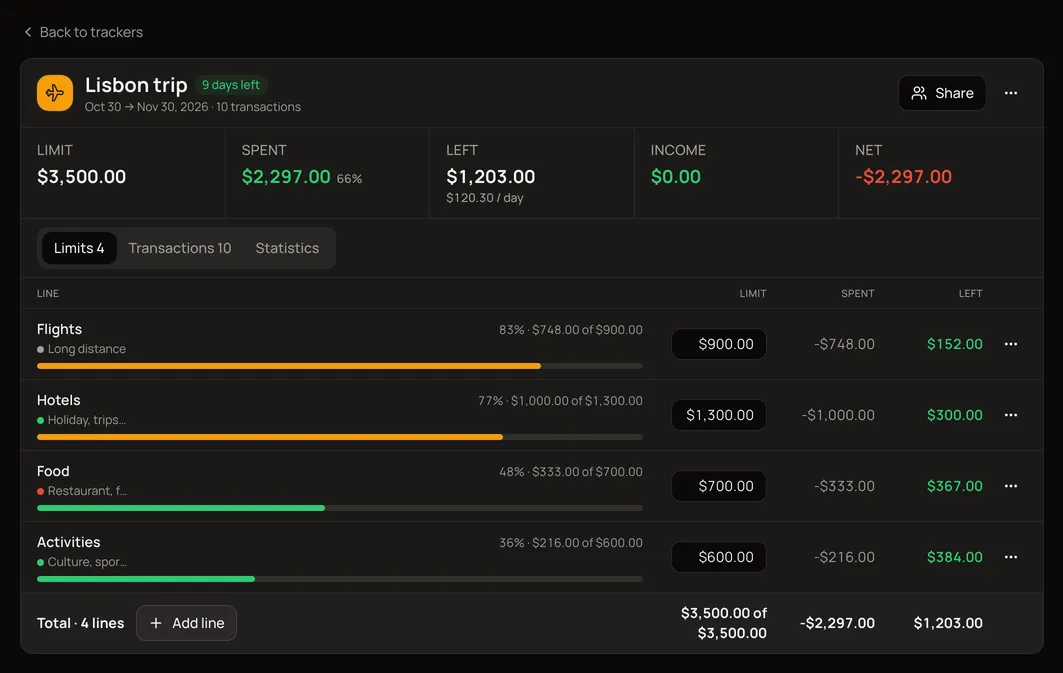
A tracker’s rules and AI matching only look at the owner’s transactions, so your partner attaches theirs by hand. A tracker also doesn’t work out who owes whom.
Record paying each other back
Paying your partner back for your half of the rent? With write access to their household, record a transfer from your account to theirs, and both balances update. Both accounts must be ones you manage by hand, and the transfer has to start from your own account.
Bank sync for two
Bank sync needs Plus only for the person who connects the bank. Connect yours, and your partner sees the synced transactions on Essential. A bank-connected account takes no transactions added by hand, even with write access.
If you stop sharing
Remove your partner from the sharing panel or from Settings → Household, or they can leave on their own. Their access ends, and every transaction on your account stays, including the ones they added. Transfers between you stay in both histories as separate records.