
 Українська
 Español
 Italiano
 Deutsch
 Français
 Português (Brasil)
A finance app knows more about you than most apps do: where you shop, what you earn, who you pay rent to. “We take your privacy seriously” on a homepage tells you nothing. The questions below do.
Each one comes with MoneyMatter’s own answer, including the ones where it falls short, so you can compare it fairly with any other app.
1. How does the app make money?
Servers cost money, and the bill gets paid somehow. If an app is free and shows ads, or earns a fee when you open the card or loan it recommends, your spending data is part of how it gets paid.
MoneyMatter is paid for by subscriptions. It shows no ads and runs no Google or Facebook trackers.
2. How does it connect to your bank?
Look for a read-only connection where you log in on your bank’s own site or app. Be careful with any app that asks for your bank password.
MoneyMatter’s bank connections are read-only: they can see accounts, balances and transactions, and can’t move money. Your bank password is never stored. The keys and tokens for your connections are encrypted with AES-256-GCM, so a copy of the database alone doesn’t reveal them. You can also skip bank sync entirely and add transactions by hand or from files.
3. Who can read your transactions?
Ask whether the app is end-to-end encrypted. If it is, the company can’t read your data, and its servers can’t build reports or run AI on it either.
MoneyMatter is not end-to-end encrypted. All traffic uses HTTPS, but transactions and balances are stored so the server can read them and build your reports. That means whoever runs the server can access them, and for MoneyMatter Cloud, that’s MoneyMatter.
4. Which other companies see your data?
Every app relies on some outside services. A trustworthy one names them and says what each receives. MoneyMatter’s main ones:
- Stripe handles payments. It takes your card details, and MoneyMatter never receives the card number.
- Resend sends sign-in and account emails.
- Sentry receives crash reports, which include your email. A session with an error can include a replay, with all text masked and media blocked.
- PostHog receives product analytics tied to your account and email. Real accounts have no session recording. Turn on Do Not Track in your browser to stop the analytics your browser sends. The server still records events such as sign-ins.
- Your bank data provider and your AI provider, if you use bank sync or AI.
The privacy policy lists the smaller ones too, such as logo.dev for payee logos, with what each of them gets.
5. What does it send to AI?
AI categorization saves a lot of typing, but it means transaction details leave the app. Ask what’s sent, to whom, and whether you can bring your own provider.
On Plus and during the trial, MoneyMatter sends each new bank transaction to AI with its amount, currency, date, account name, note and payee, plus your category names. Your balances aren’t sent. Transactions you add by hand aren’t sent for categorization automatically. On Plus, no single switch turns automatic categorization off.
Add your own OpenAI, Anthropic or Gemini key in AI settings, and the AI features use it instead. Budget suggestions always use MoneyMatter’s own AI.
If you connect Claude, ChatGPT or another assistant to your data, you choose before approving whether it can only read or can also create, edit or delete records. You can revoke it in settings at any time.
6. Can you check what it does?
A closed app asks you to trust its privacy policy. With an open-source app, anyone can read the code and see how your data is handled.
MoneyMatter is open source under the AGPL-3.0 license, and its code is public on GitHub. It has no published third-party security audit or certification.
7. How do you sign in, and can you see who’s signed in?
Strong sign-in matters more than encryption claims, because most account takeovers start with a stolen password.
MoneyMatter lets you sign in with a passkey, Google, GitHub, Apple or a password, and keep several at once as backups. It has no two-factor authentication. To protect your account without it, sign in with a passkey, or with Google or GitHub, where your own two-factor settings apply. If your account also has a password, that password still works.
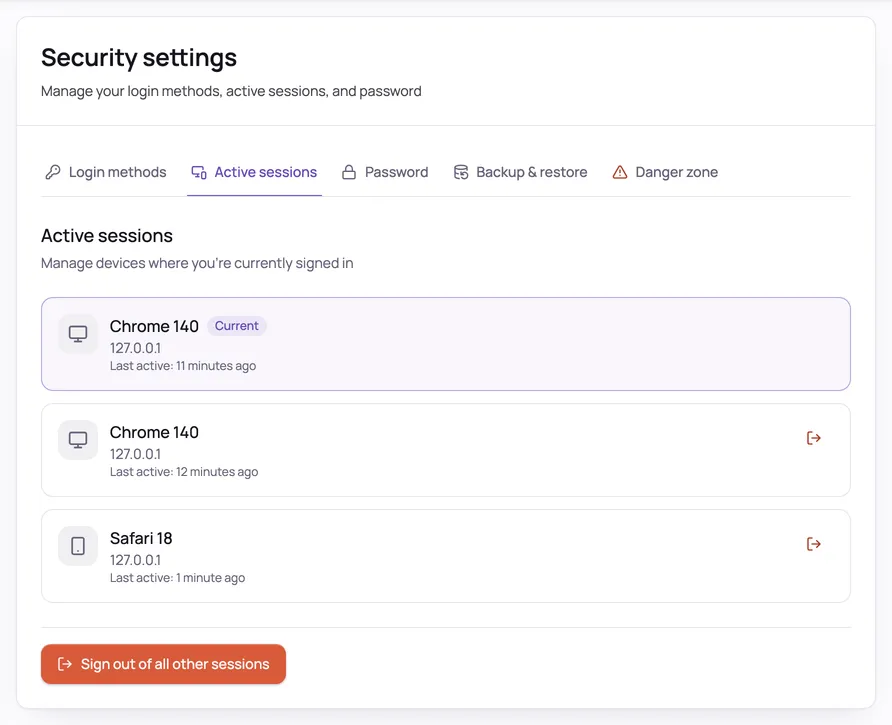
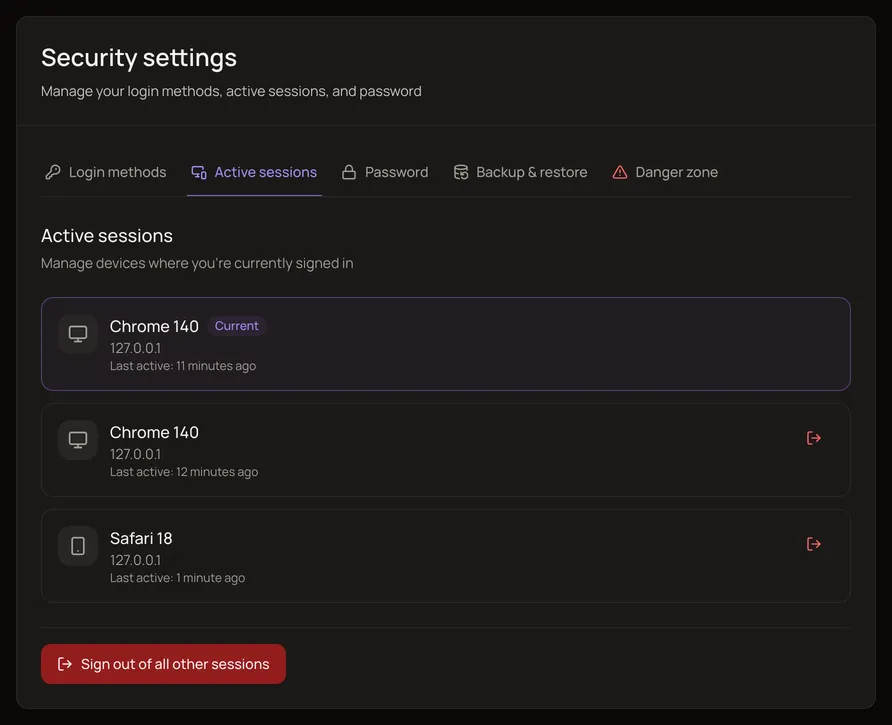
The Active Sessions tab lists each browser and device signed in, with its IP address and when it was last active. Sign out one that looks wrong, or all other sessions at once. A password reset signs you out everywhere and disconnects connected apps, including AI assistants.
8. Can you take your data and leave?
An app that makes leaving hard has less reason to treat your data well. Check that you can export everything and delete your account without emailing anyone.
In MoneyMatter, from Settings you can:
- Export transactions, budgets, subscriptions and investments as CSV, Excel or JSON.
- Download a backup, a single zip with a complete copy of your data.
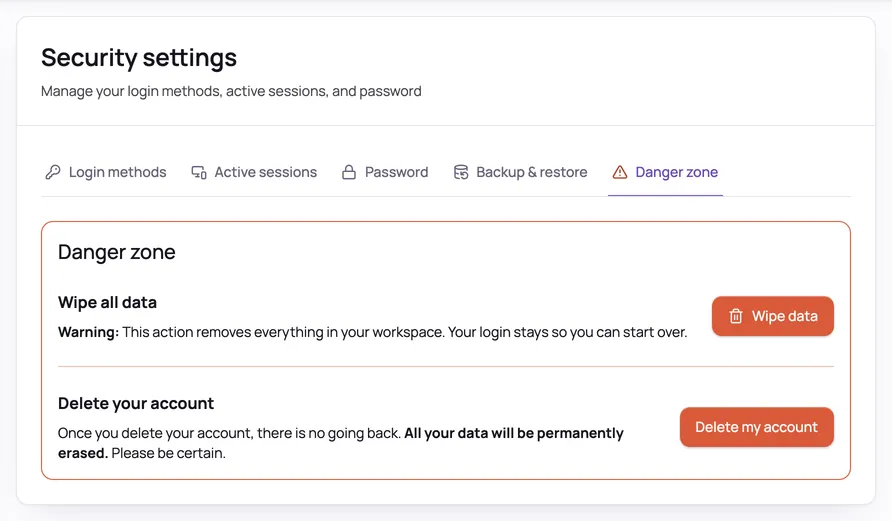
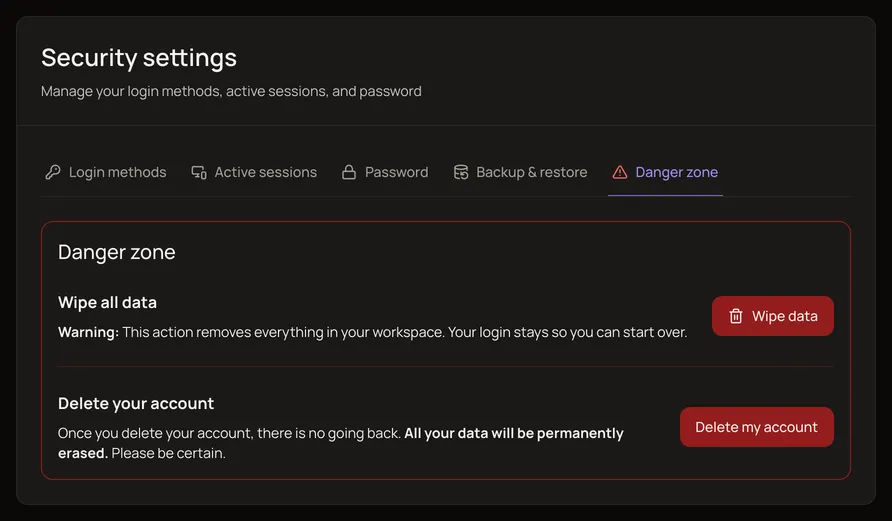
- Wipe all data and start over with the same login, or delete your account and all its data, from the Danger Zone tab. Both are permanent.
After you delete your account, MoneyMatter keeps a one-way hash of your email so a new account can’t restart the free trial. Records already sent to Sentry and PostHog aren’t removed automatically, and you can email to ask for their removal.
Nothing is deleted when a trial or subscription ends. Your account becomes read-only, and you can still sign in and download an export.
The checklist
| Question | What to look for | MoneyMatter |
|---|---|---|
| How does it make money? | You pay, not advertisers | Subscriptions, no ads |
| How does it connect to your bank? | Read-only, no bank password | Read-only, credentials encrypted |
| Who can read your transactions? | A clear answer | The server can, no end-to-end encryption |
| Which companies see your data? | A named list | Named in the privacy policy |
| What goes to AI? | The fields, and your own provider as an option | Listed, own key supported |
| Can you check the code? | Open source | AGPL-3.0, no third-party audit |
| How do you sign in? | Passkeys or two-factor | Passkeys, no two-factor |
| Can you leave? | Full export, self-service deletion | Export, backup, delete from settings |